
WordPress 7.1.3 Maintenance and Security Release: What to Know
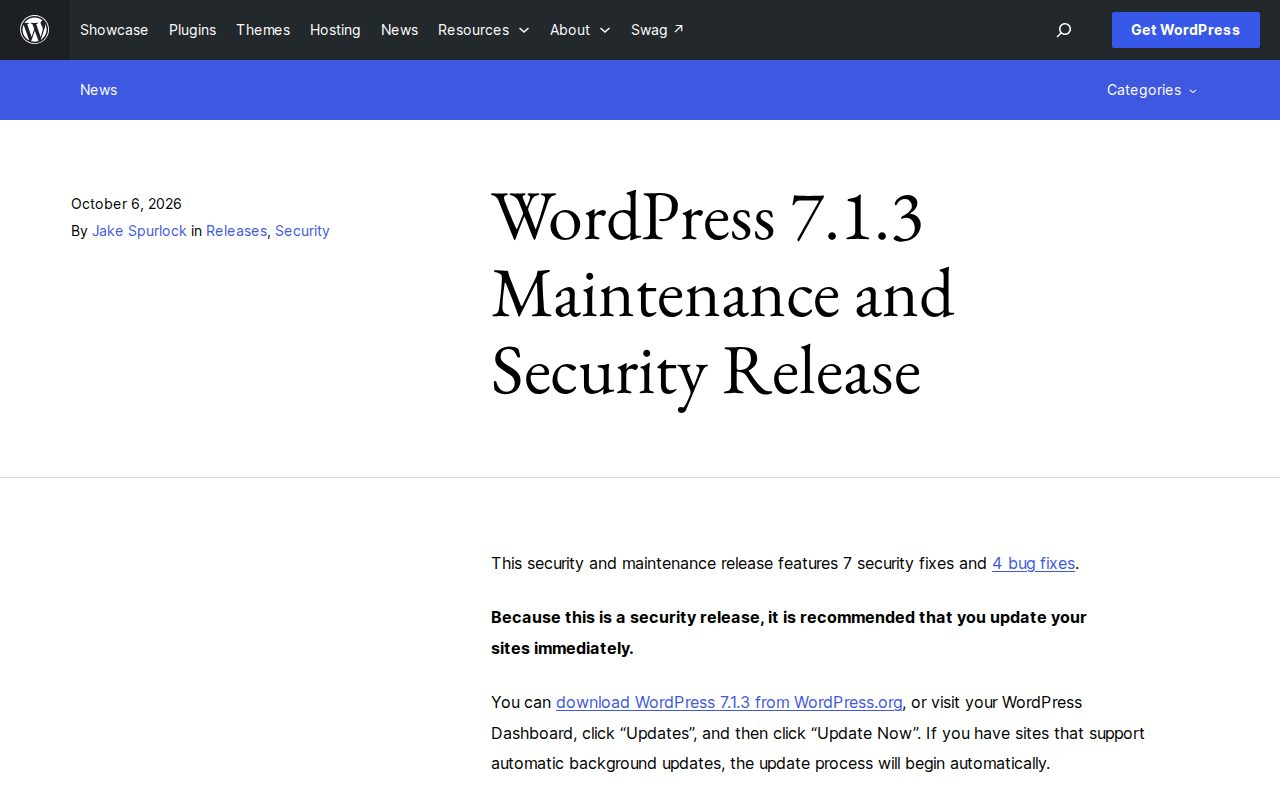
WordPress published version 7.1.3 on October 6, 2026 as a maintenance and security release. Because this is an important security update, site owners should review their installation and update promptly. This release addresses seven security fixes and four bug fixes across the core software.
Understanding what the release targets helps clarify why updates are necessary for site security. The security team credited several organizations and contributors for responsibly reporting vulnerabilities, including a stored cross-site scripting issue on the Comments administration page reported by Trail of Bits in collaboration with OpenAI, alongside denial of service and second-order SQL injection reports from Anthropic.
Other reported items include an unauthenticated disclosure of comments on private and unpublished posts reported by Ananda Dhakal from Patchstack, image embed vulnerabilities, and parameter handling concerns reviewed by the WordPress security team. Led by Jake Spurlock, the release involved asynchronous coordination from a wide community of contributors to deliver stable fixes.
How to Apply the Update
For most websites, applying the update is straightforward. You can download the new version directly from WordPress.org or navigate to your WordPress Dashboard, select Updates, and click Update Now. If your hosting environment supports automatic background updates, minor and security releases often begin automatically.
As a reminder, only the most recent version of WordPress receives active security support. The core team also works on backporting security fixes where necessary to older active branches, but relying on automatic background updates or manual checks remains the most practical way to stay secure.
Why Backups Matter Before You Update
Before making any software update or structural change to your website, it is smart to create a reliable backup. A complete backup strategy requires saving both your database and your site files. Your WordPress database stores posts, comments, and site data, while your file directory contains core code, themes, plugins, and uploaded media. For detailed procedures, consult the official WordPress backup guide in the developer handbook.
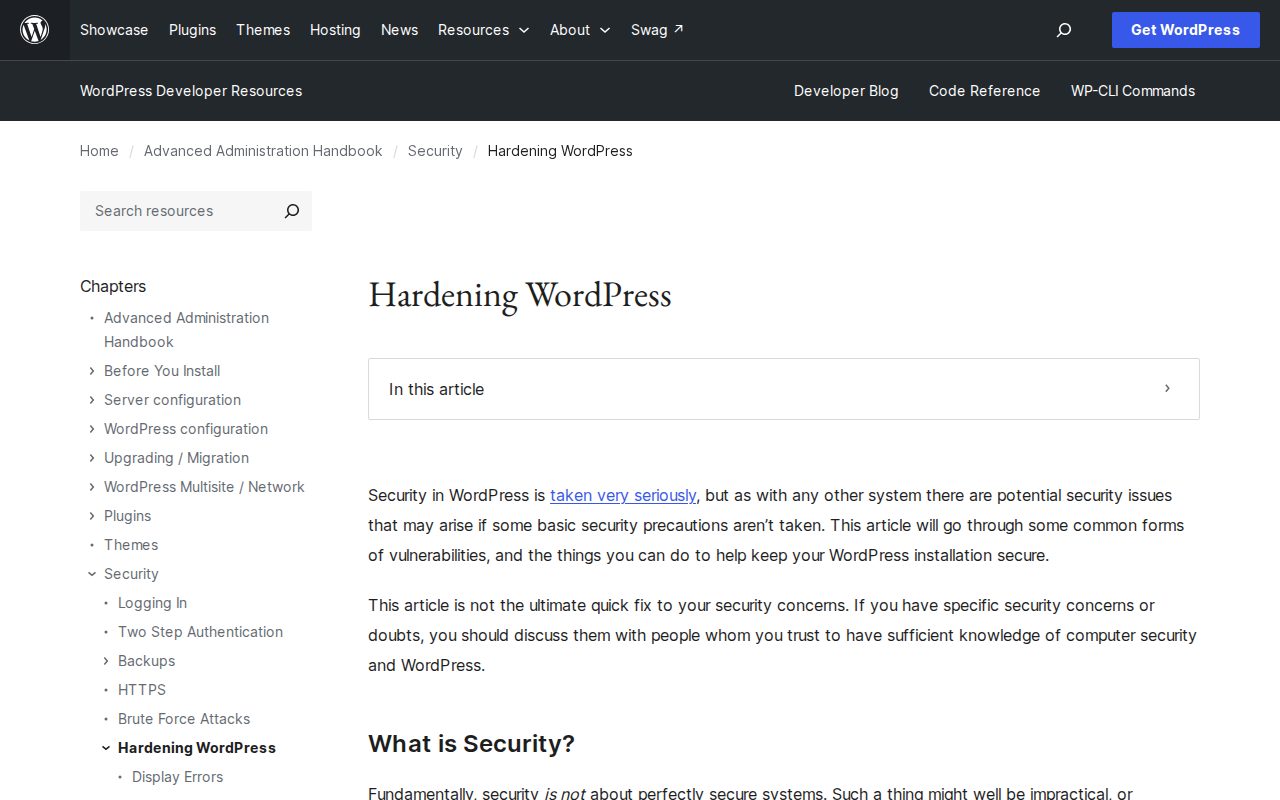
Keeping multiple recent backups in separate locations helps protect against unexpected data loss during migrations or upgrades. To understand more about safeguarding your publishing environment and following robust security practices, review the Hardening WordPress guide.
If your team prefers dedicated assistance with updates, backup verification, and ongoing troubleshooting, our WordPress maintenance and support services can help keep your publishing workflow dependable as your business changes.