
Website Redesign Project Plan: From Brief to Launch
A website redesign can look finished in a design file while the hardest decisions are still open. Who approves the copy? Which old pages will move? What happens to a form submission? A useful website redesign project plan answers those questions before the launch date is fixed.
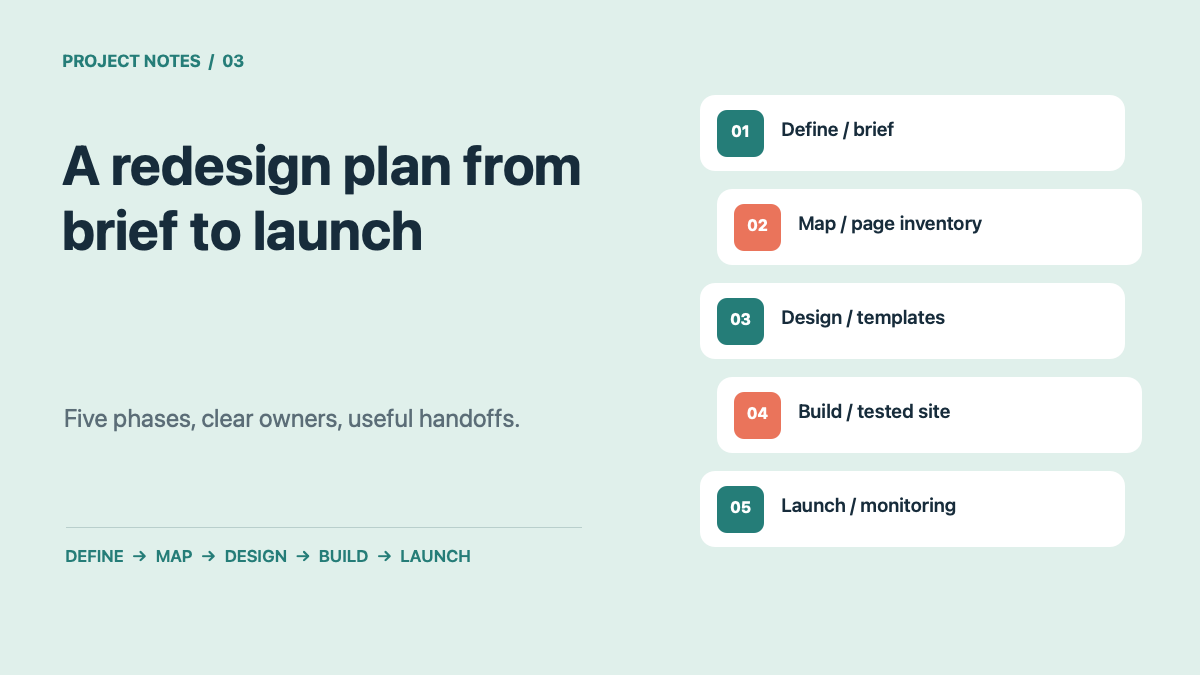
Use the five phases below as a working plan. The durations are planning examples, not a promise: a small marketing site may move quickly, while a site with many pages, integrations, or reviewers needs more time. Give each phase one decision owner and one deliverable that the next phase can use.
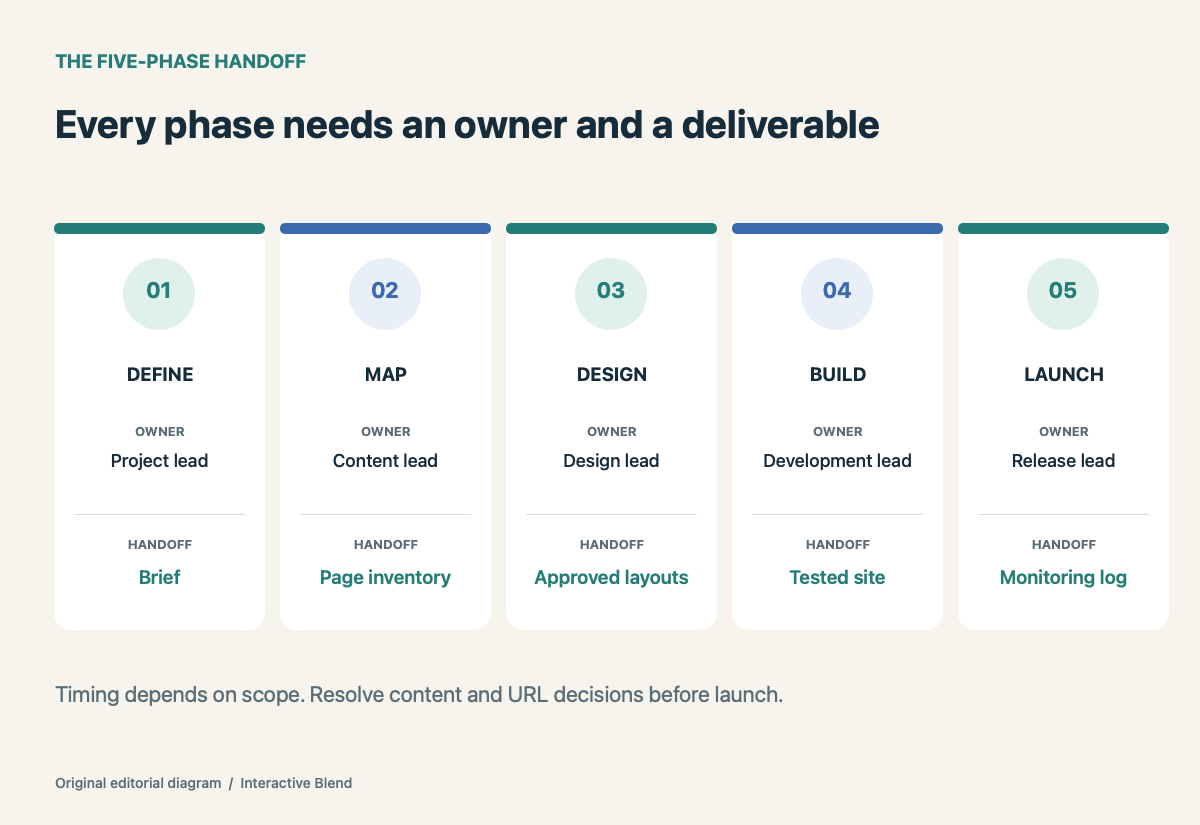
Five phases, each with a decision owner and a useful handoff. Original Interactive Blend diagram.
1. Define what the redesign must improve
Start with a short brief, not a list of visual references. Write down the audience, the action each key page should support, current friction, and how success will be measured. A business might want better qualified inquiries; a publisher might need faster editorial work. Those are different design problems.
Choose a decision owner who can resolve competing requests. Record the pages and features in scope, constraints such as brand or platform requirements, the budget range, and the date by which decisions are needed. If the team cannot agree on a success measure, it is too early to approve a homepage direction.
Deliverable: A one-page brief with goals, scope, decision owner, and baseline measurements.
2. Map the existing site before drawing the new one
Export or list the current URLs. For each page, decide whether to keep, improve, combine, move, or retire it. Add the new destination when a URL will change. This page inventory becomes the content plan and, later, the redirect map. It also exposes missing copy, images, approvals, and subject experts before they delay development.
Prioritize the pages that answer a buyer’s first questions. For service pages, check that the offer, proof, and next step are clear. Our homepage clarity checklist offers a quick way to review a page before the new layout is approved.
If URLs change, Google recommends mapping old URLs to their new destinations and configuring redirects. Assign one person to own that map. Avoid sending every removed page to the homepage; choose a relevant replacement when one exists.
Deliverable: Page inventory, content assignments, and an old-to-new URL map.
3. Approve the system, then the pages
Agree on the building blocks before polishing every screen: navigation, type scale, colors, buttons, cards, forms, and the way images behave on mobile. Review one representative page from each important type, such as a service page, article, and contact page. Then apply the approved system to the remaining pages.
Ask reviewers to respond against the brief. Can a new visitor tell what the business offers? Is the next step clear? Does the design make real content easy to scan? Specific feedback moves the work forward faster than “make it pop.”
Accessibility belongs in these reviews. Check keyboard flow, labels, contrast, and content hierarchy while changes are still easy to make. The W3C recommends evaluating accessibility early and throughout a redesign; automated tools can help, but they do not replace human review.
Deliverable: Approved page templates and a small, documented design system.
4. Build and test the real experience
Put real copy and images into the templates early. Placeholder content hides problems with long headings, image crops, and page length. Test the main journeys end to end: navigation to a service page, form completion, confirmation, and any email or CRM handoff. Check mobile layouts and common browsers, not just the desktop design file.
Keep a single issue list with an owner and a severity level. Test accessibility with a keyboard and screen reader where practical. Compare speed on representative pages using field or lab data; Core Web Vitals give the team shared measures for loading, responsiveness, and visual stability. A score is useful only if it points to a fix that improves the visitor’s experience.
Deliverable: A tested staging site and a resolved or explicitly accepted issue list.
5. Launch with a rollback and monitoring plan
Before launch, confirm that forms reach the right inbox, analytics record the intended events, important pages can be indexed, canonical URLs are correct, redirects work, and the sitemap reflects the new site. Save a backup and name the person who can roll back if a critical flow breaks. Schedule the release when the team can watch it.
After launch, revisit the highest-value pages and forms first. Monitor Search Console for indexing and query changes, analytics for key actions, and support messages for visitor friction. A redesign is not complete when the homepage goes live; it is complete when the new site works for real visitors and the team can maintain it.
Deliverable: Launch log, rollback owner, and a 30-day monitoring list.
A project plan your team can actually use
The simplest version is a shared table with five columns: phase, deliverable, owner, approval date, and risk. Update it whenever a decision changes. If copy is late or a URL has no destination, the plan should show that plainly instead of hiding it in a meeting note.
For teams that need help turning the plan into a working site, Interactive Blend’s custom WordPress development service covers design and development. Bring the brief and page inventory to the first conversation; those two documents make the scope much easier to discuss.