
Homepage Design Checklist: The Five-Second Clarity Test
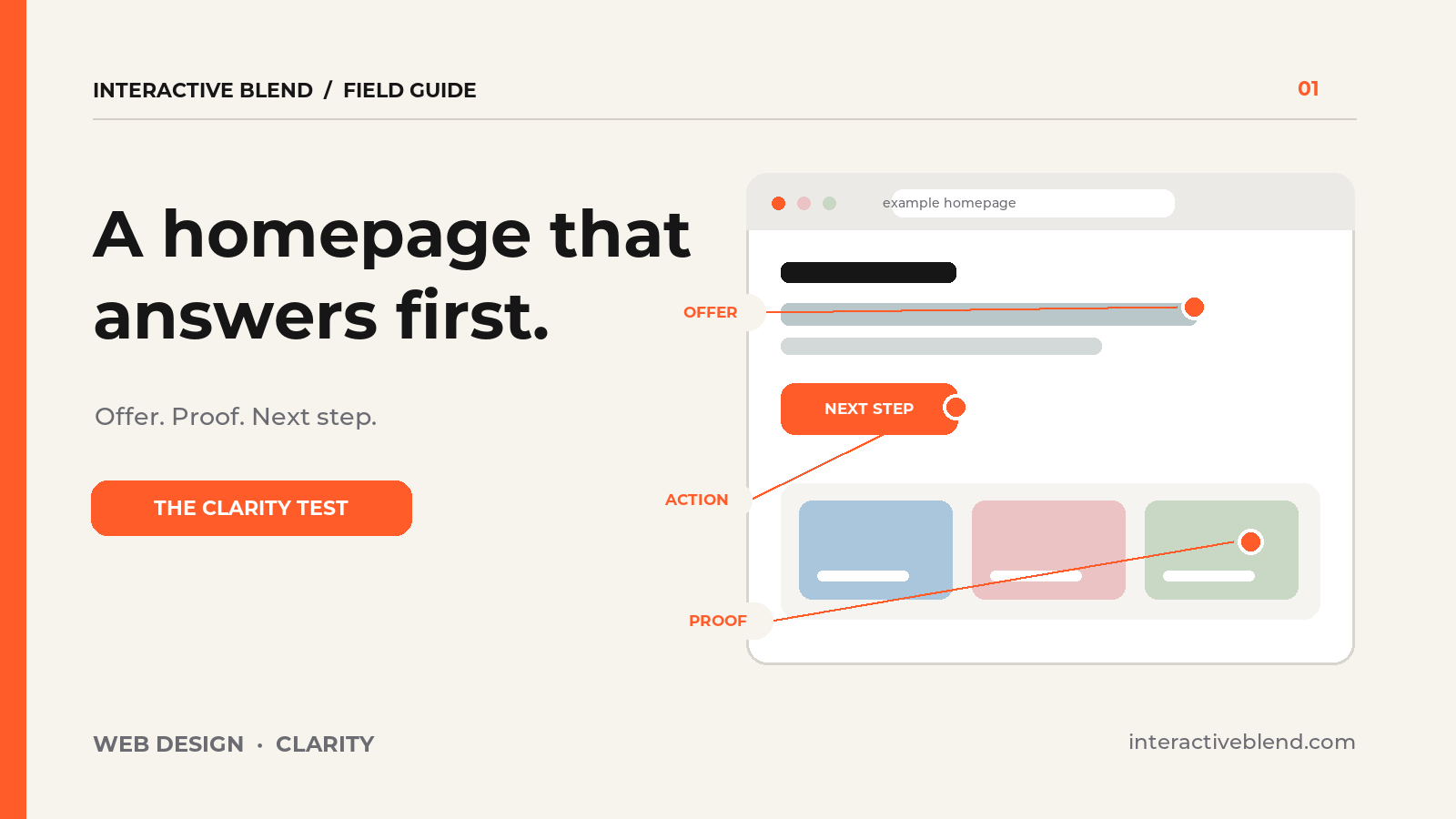
A homepage can look polished and still leave a visitor wondering what the business actually does. This homepage design checklist is a quick way to find that gap before a redesign turns into a long debate about colors and animation.
In a recent Y Combinator design review, Alex Danilowicz and Aaron Epstein examine AI-assisted website designs and the choices that make a product easier to understand. Their discussion is a useful prompt. The exercise below is our own: five questions to ask of any business homepage, regardless of how it was made.
The five-second exercise
Show the top of your homepage to someone who does not know your company. After a few seconds, hide it and ask what they remember. Five seconds is a useful constraint for an initial impression, not a scientific pass/fail benchmark. What matters is where the person hesitates. If they can recall the animation but not the offer, the page has work to do.
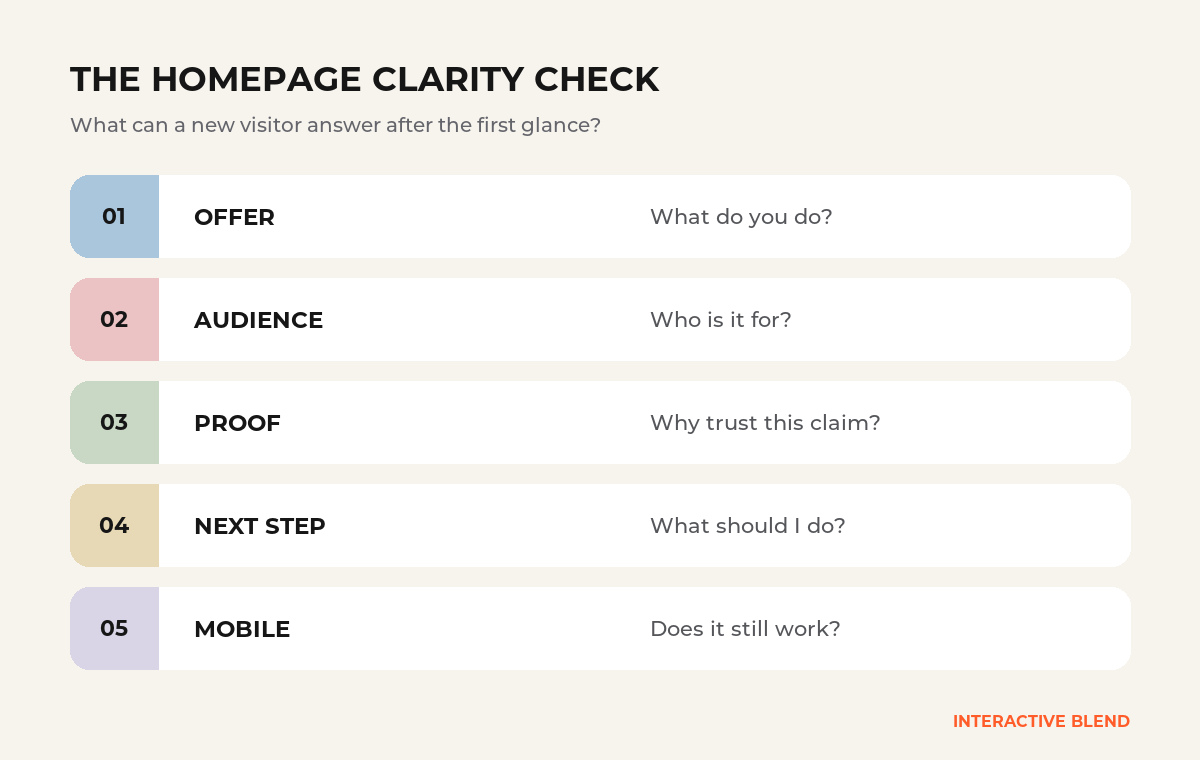
1. What do you do?
Say the service or product in words a customer would use. “Transforming digital experiences” might sound attractive, but it does not tell a visitor whether you build websites, sell software, or run campaigns. A more specific line can carry both the category and the benefit: “Appointment software for independent clinics” gives a reader somewhere to start.
Read the headline and supporting sentence without the pictures. Then ask whether a stranger could identify the offer. The visuals should reinforce the answer, not carry the entire explanation.
2. Who is it for?
Visitors scan for signs that they are in the right place. Naming the audience can be more helpful than a broad claim such as “solutions for every business.” If you serve several groups, give each a clear route. A publisher, a store owner, and an agency partner may share a homepage, but they do not need the same next page.
This does not require a long list of industries above the fold. One clear lead sentence and a small set of relevant paths often do more than a carousel of general promises.
3. What can I see that supports the claim?
Proof should match the offer. A service firm might show a named project with its actual scope, a concise client quotation, or a concrete description of how the work happens. A software product might show a real workflow. Put the strongest relevant evidence near the claim it supports. Avoid borrowing a client logo or implying an outcome you cannot verify.
4. What should I do next?
Make the primary action easy to spot and easy to understand. “Discuss your website” is clearer for a web project than a generic “Learn more.” A secondary action can serve visitors who need more evidence, such as “View our work.” If every card and button competes for equal attention, the visitor has to decide how the site is organized before they can decide whether to contact you.
Test the action itself. A button should lead where its label says it will. A decorative field that looks editable, a dead demo control, or an unexpected form can break trust at the moment someone is ready to act.
5. Does the same answer survive on a phone?
Repeat the exercise at a mobile width. The hero image may crop, the supporting sentence may move below the first screen, and a prominent desktop button may disappear into a menu. Check the actual words and next step on the device, then try the form with a keyboard and touch input. A desktop mockup alone cannot answer this question.
Turn the answers into a small editing plan
Write down the first point of confusion for each question. Fix the words and page order before adding effects. Then ask another person to try the page. If the same hesitation keeps coming up, that is useful evidence for the next revision.
AI tools can speed up exploration, but a polished first screen is only a draft of the communication. Our guide to AI design tools explains where those tools fit in a wider design process. If your existing website needs clearer content paths, stronger proof, or a more maintainable build, see how we approach custom WordPress development.