
IT Automation Software Categories: What Six Popular Tools Do
When people talk about IT automation software, they often lump completely different jobs together. There is a wide gap between automating a server deployment and routing a support ticket. Because products in this category look comparable on paper, it helps to understand what they actually do before trying to fit them into your tech stack.
As outlined in an n8n blog review on IT automation software published on October 8, 2026, automation tools generally fall into four distinct categories. Knowing which part of your environment you need to automate makes it much easier to select the right platform.
The Four Categories of IT Automation
Before comparing specific platforms, let us look at the main areas where IT automation applies:
- Infrastructure and configuration management: Automates provisioning, configuration, and deployments to keep servers and systems in a desired state.
- Endpoint and remote monitoring (RMM): Helps teams monitor and manage devices like laptops and workstations for routine maintenance and patches.
- Workflow and integration orchestration: Connects apps, APIs, and databases so data moves automatically between separate systems.
- IT service management (ITSM): Automates structured service workflows such as incident handling, requests, approvals, and ticket routing.
Six Popular IT Automation Tools
The best tool depends entirely on the specific task you want to automate. Here is where six well-known solutions fit:
- n8n: A development and orchestration platform built for technical teams. Its visual builder handles app connections, while a code node allows custom JavaScript or Python when needed. It is a source-available, AI-native automation platform that offers self-hosting options and strong team controls like RBAC and SSO.
- Zapier: A cloud-only platform built for quick, no-code integrations between common SaaS applications. It excels at accessibility for everyday business tasks, though it can feel limiting for complex custom logic.
- Microsoft Power Automate: Designed for organizations deeply embedded in the Microsoft ecosystem, offering tight integrations with Microsoft 365 and Dynamics 365.
- Ansible: An open-source tool focused on infrastructure and configuration management, using playbooks to make server provisioning repeatable and version-controlled.
- NinjaOne: An RMM platform that concentrates on endpoint monitoring, software deployment, and device management for workstations and servers.
- ServiceNow: An ITSM platform built around structured service desk processes, incident management, and complex approvals for large organizations.
If your next step is connecting business apps, our guide to iPaaS and API management explains two different parts of the integration stack. For reliability after apps are connected, see our API contract testing example.
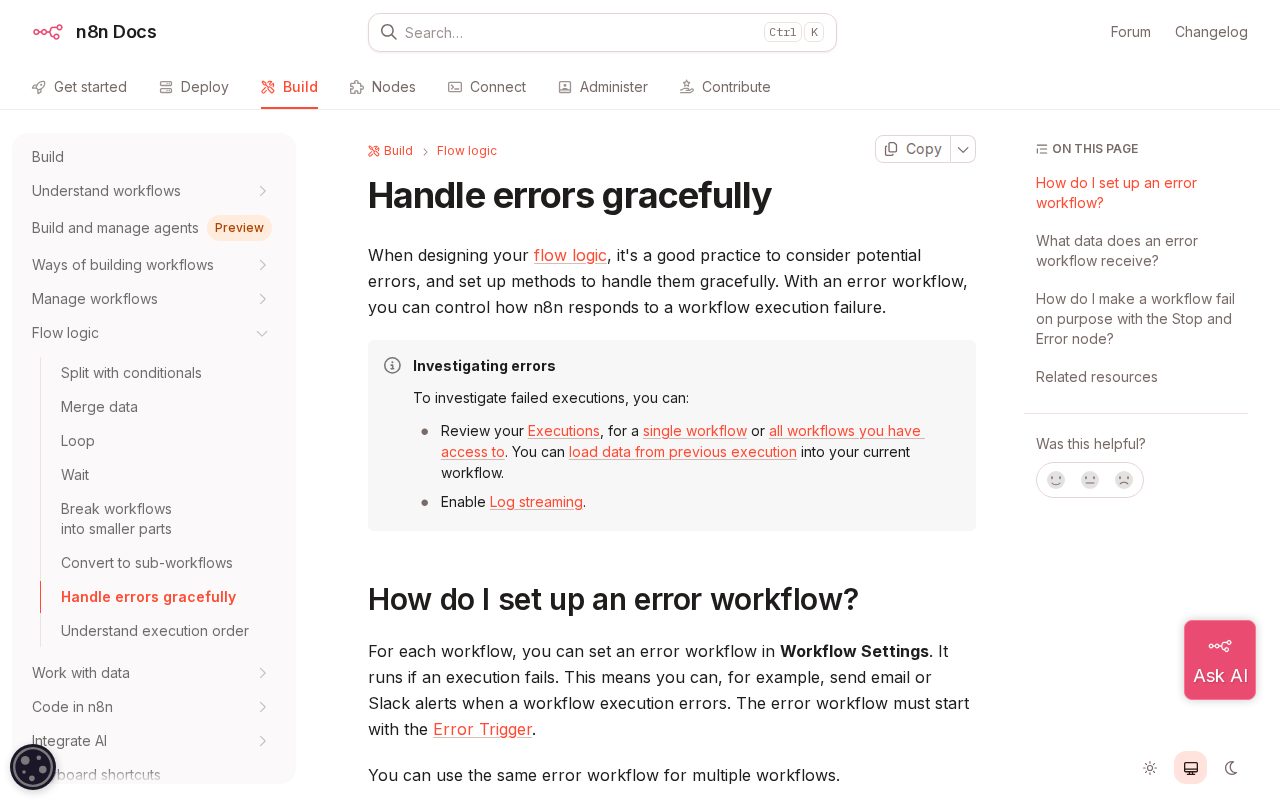
When you need to connect applications and databases across your business, platforms like our AI tools and automation services can help map out custom workflows and handle complex integrations. If you are exploring how workflow tools manage failures or secure access, you can also review guides on handling workflow errors gracefully in n8n and managing n8n user roles and security.
How to Choose the Right Solution
Start by identifying the exact bottleneck in your workflow. If your primary challenge involves device patching, an RMM tool makes sense. If you need to move data across disparate cloud apps, a workflow orchestrator is a better match. Map out your processes and required controls before comparing feature lists.