
Shopify Batch Fulfillment: What It Does and Who Can Use It
Shopify’s October 1, 2026 fulfillment roundup highlights batch fulfillment, a way to organize picking, packing, and shipping tasks for a group of orders. For merchants packing their own products, it brings related work together in the admin.
What a batch includes
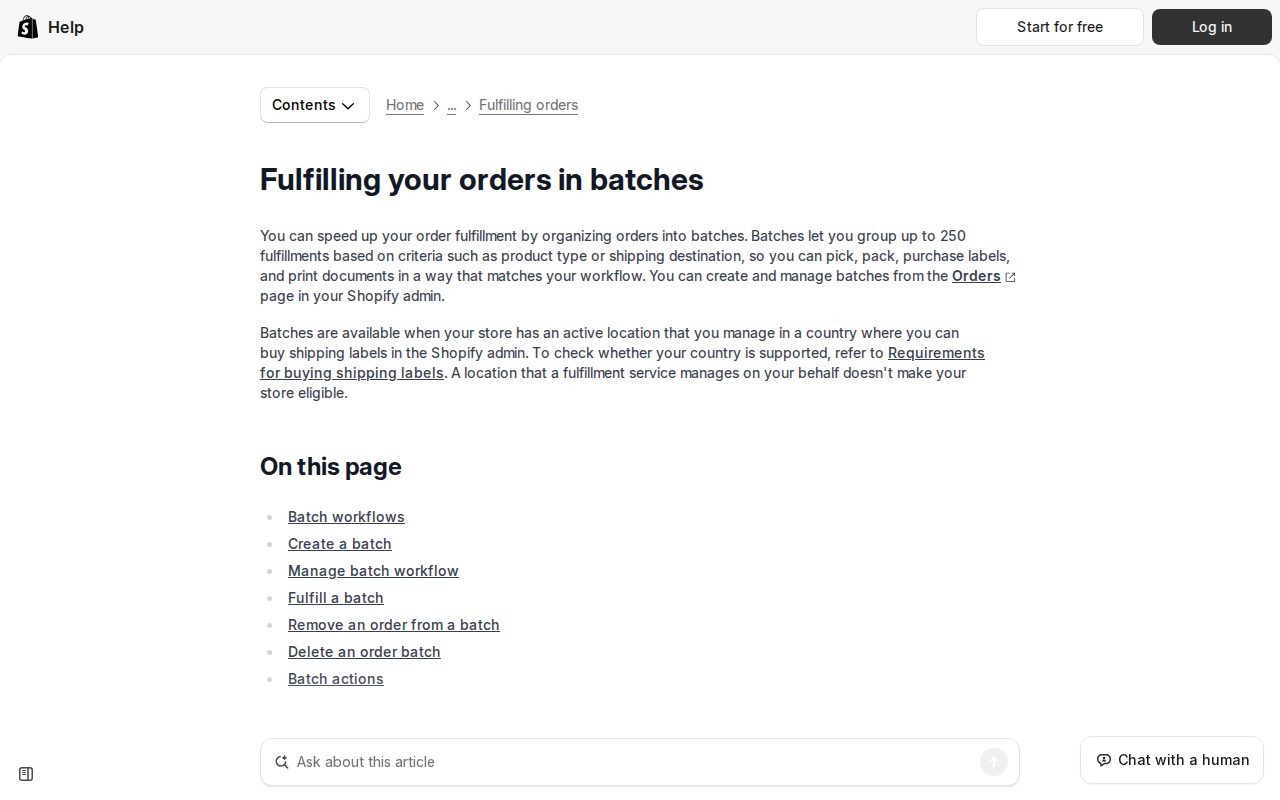
A batch supports up to 250 fulfillments. Its steps can include picking documents, label purchases, packing slips, and verification, arranged to fit the team’s process.
The batch fulfillment guide explains how to create batches from the Orders page. The recent-orders option groups unfulfilled orders from the last 14 days; older orders can be included manually.
Who can use it?
The store needs an active location that the merchant manages, in a country where shipping labels can be purchased through Shopify’s admin. A location managed by a fulfillment service does not establish eligibility.
This distinction matters for stores using outside warehouses. Work performed by warehouse staff follows that provider’s process; orders appearing in Shopify do not make it the same as packing at a merchant-managed location.
Batch fulfillment versus bulk actions
Bulk actions change several order records together, such as marking them fulfilled or changing their fulfillment location. Batches organize the picking, packing, and shipping work.
Use that distinction when choosing a feature: updating order records is different from coordinating the work needed to prepare packages. Shopify’s bulk “Mark as fulfilled” action also skips orders assigned to fulfillment services, which use the appropriate fulfillment-request process.
Equipment and shipping requirements
Barcode verification requires product barcodes and a Shopify-compatible scanner. Without that setup, quantities can be adjusted manually in the admin.
The shipping-label requirements include an eligible location, accurate shipment details, and a suitable printer. Available carriers depend on location, and some also have requirements for the store’s country.
Weight, dimensions, origin, and destination affect label costs. Incorrect shipment details can lead to a price adjustment, so batching does not replace keeping that information accurate.
What happens when labels are purchased?
Shopify’s bulk label-purchasing process includes reviewing labels and choosing whether to send a fulfillment email. It excludes already fulfilled orders, invalid shipping addresses, and orders containing only items that do not require shipping.
Label purchases and customer notifications are real actions, so staff should know who reviews them. The benefit of grouping work is organization; it does not eliminate individual order requirements.
For a store connecting Shopify with inventory, shipping, or reporting systems, the next question is how those systems share order information. Interactive Blend’s eCommerce development services can cover those integrations as part of the store’s project scope.