
WordPress 7.1.2 Security Update: What Website Owners Need to Know
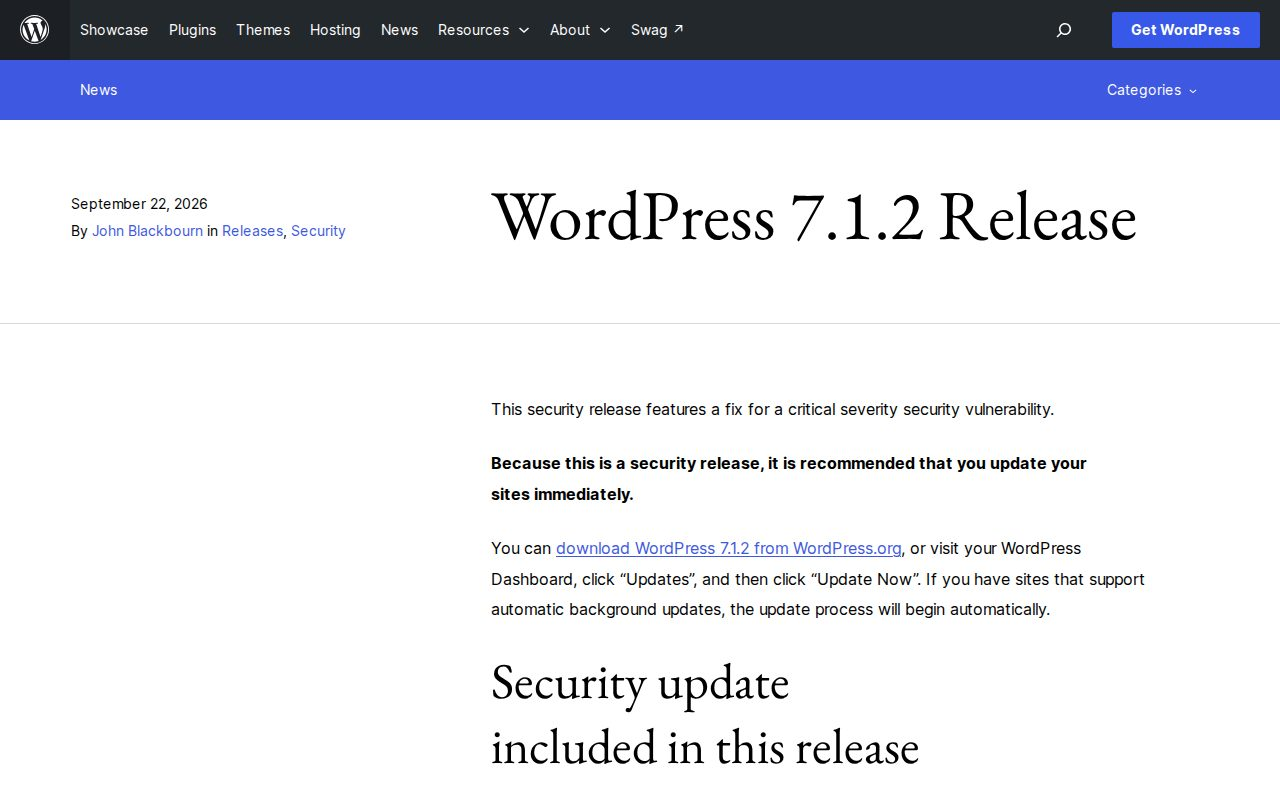
WordPress released version 7.1.2 on September 22, 2026 to fix a critical security vulnerability. The WordPress team recommends updating immediately.
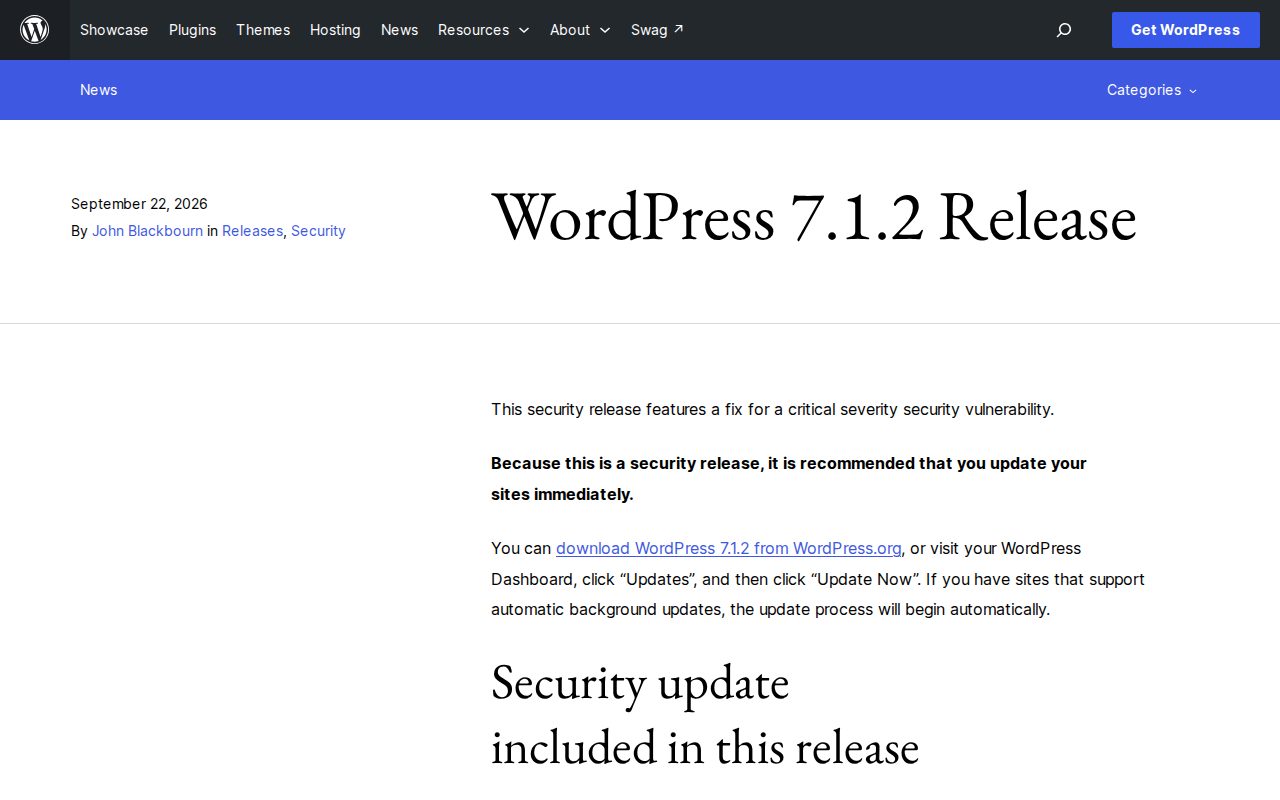
What the update fixes
The flaw could allow an attacker to run code on a server when particular server and theme conditions are present. This is a security fix, not evidence that every WordPress website has been compromised.
The fix was also released for eligible older WordPress versions. Only the most recent version is actively supported, so an older site still needs a plan for getting current.
Does WordPress update automatically?
WordPress can apply minor and security updates in the background on supported installations. Updates can also be installed through Dashboard > Updates. The official updating guide explains both options.
For a managed website, the important question is whether the update has actually been applied. Ask your developer, agency, or hosting provider to confirm the installed version and whether anything needs attention. A hosting account alone does not tell you who handles website maintenance; that depends on your arrangement with the provider.

What should a backup include?
The updating guide recommends making a backup before changes. A complete WordPress recovery copy needs both files and the database:
- Files: The site’s software, themes, plugins, and uploaded media.
- Database: Posts and other stored site data.
Downloading the website’s folders does not normally include its separate database. The WordPress backup guide explains why both are needed.
For a store or booking site, the backup’s age matters too. Restoring an earlier copy needs to account for orders or bookings received since then. That is a recovery-planning question for the person maintaining the site, alongside applying the security fix promptly.
What ongoing maintenance adds
Installing the update addresses the software issue. Checking important functions answers a different question: can customers still use the site as intended? An inquiry form, account login, or checkout may be central to the business even when the homepage looks normal.
My recommendation is a brief maintenance summary covering what changed, what was checked, and any unresolved issues. You should not need to diagnose the website yourself to understand its status.
Interactive Blend’s WordPress maintenance and support services can include tested updates, backup and recovery planning, monitoring, and attention to forms and integrations. The scope depends on the website and how the business uses it.