
WordPress Security: Urgent PHP Patches and the AI Factor
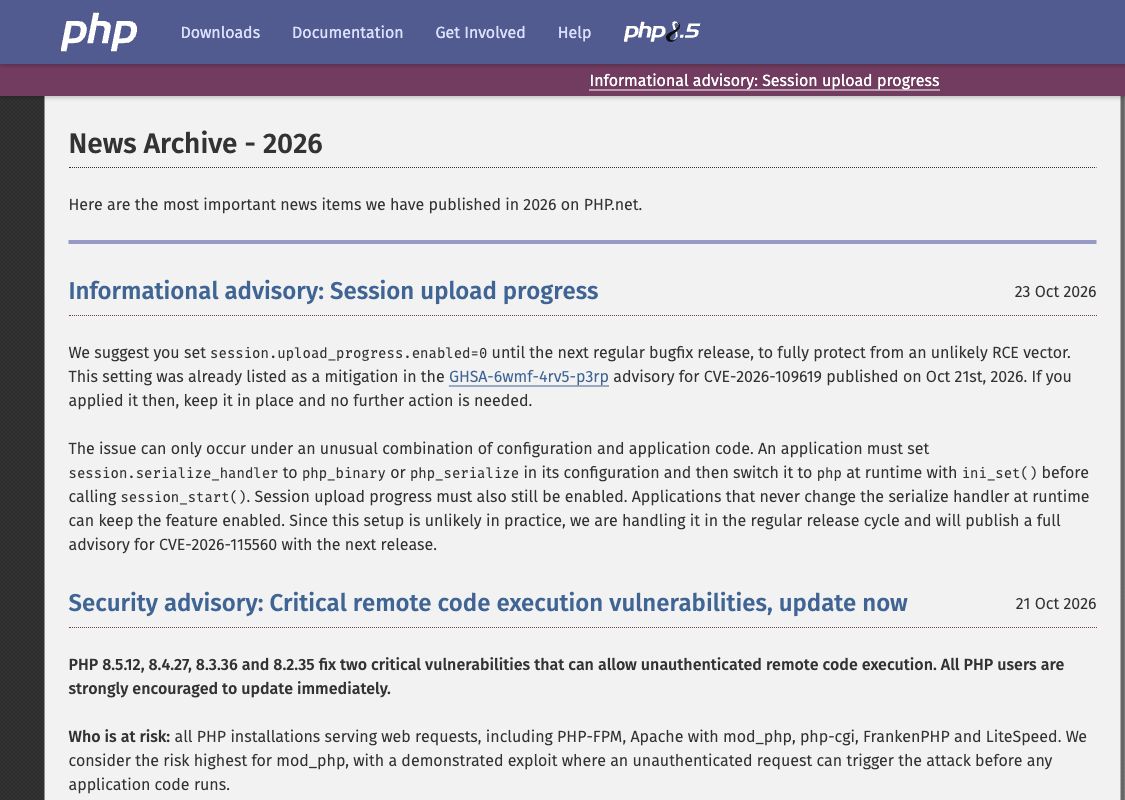
WordPress security needs attention beyond the Updates screen this week. On October 21, 2026, PHP released fixes for two critical flaws that can let an attacker run code on a web server without logging in. For a business that depends on WordPress, confirming those patches should be an immediate priority.
PHP is the software that executes WordPress code on your hosting server. It sits underneath the dashboard, themes, and plugins. As WordPress explains, the hosting provider controls which PHP versions are available. A fully updated WordPress dashboard does not confirm that this underlying software has been patched.
How serious are these PHP vulnerabilities?
The flaws, CVE-2026-109618 and CVE-2026-109619, involve PHP’s handling of memory and information left between requests. The official advisories classify both as critical. Their potential impact is remote code execution: an outsider making the server run instructions they supplied. See the advisories for memory handling and stale request data.
PHP identifies all installations serving web requests as at risk, with the highest risk in Apache’s mod_php configuration. In that setup, researchers demonstrated an attack that can run before the website’s own code starts. Other hosting configurations still need assessment and patching. The PHP security announcement urges immediate updates.
For a business site, successful code execution could put website files and data accessible to the affected process at risk. The consequences depend on the server’s permissions and configuration. They can extend beyond downtime to altered content, exposed information, and recovery work. A vulnerability notice alone does not establish that your site has been compromised.
This is why a WordPress security plugin cannot be treated as a substitute for a PHP patch. Protection that runs inside WordPress may start after a vulnerable server operation has already happened.
Confirm the PHP patches behind your WordPress site
The October 21 fixes shipped in PHP 8.2.35, 8.3.36, 8.4.27, and 8.5.12. Ask your host to confirm the patched release for your site’s branch, or the equivalent vendor patch applied to its package. An answer that the site runs “PHP 8” is not specific enough.
There is also an October 23 follow-up, CVE-2026-115560. As of October 24, its fix is planned for the next regular bugfix release. It requires an unusual combination of session settings and application behavior. PHP recommends temporarily disabling session upload progress where relevant; applications that never change the session serialization handler at runtime can keep it enabled. Have your host assess the follow-up guidance, and retain the mitigation if already applied.
Keep the response practical: confirm a usable backup, apply the relevant fixes promptly, and check login, forms, uploads, checkout, and integrations afterward. Give the work a named owner and record what is actually running on the live site. If there are signs of compromise, patching and investigating the incident are separate jobs.
AI increases the pressure to keep security checks current
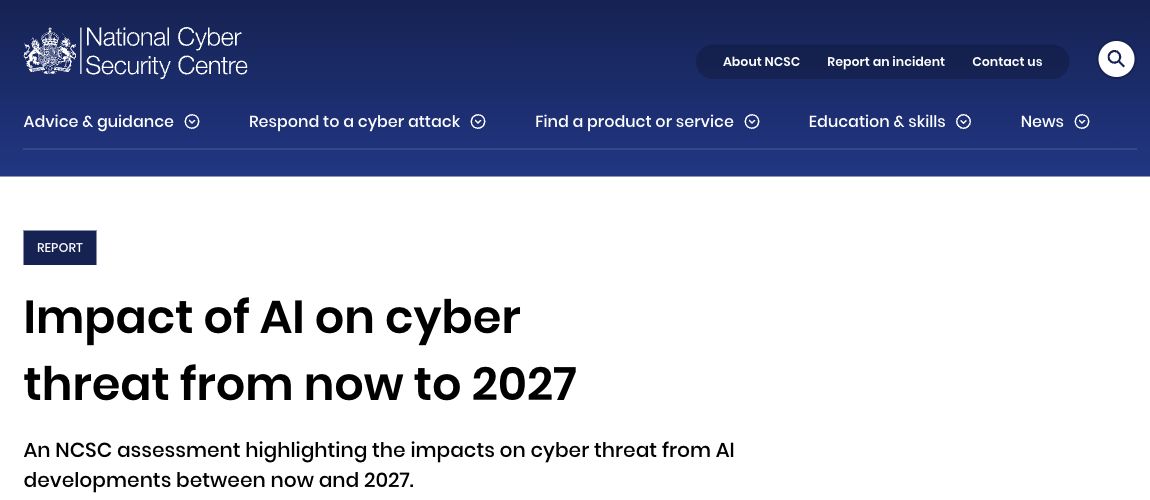
AI changes both how software gets built and how weaknesses get found. In its assessment through 2027, published in May 2025, the UK’s National Cyber Security Centre expects AI to improve attackers’ ability to exploit known flaws and further shorten the time between disclosure and exploitation. It also recognizes AI’s value for defenders.
For WordPress owners, the implication is a shorter tolerance for unattended updates. A security review at launch cannot account for vulnerabilities disclosed months later. Monitoring new advisories and confirming that fixes reached production need to be continuing responsibilities.
AI-assisted development adds another reason for review. A team can generate a custom snippet, plugin, or integration quickly, but working code still needs security checks. GitHub’s Copilot guidance calls for thorough review and testing of generated code used in security-sensitive applications. If AI helps your team ship more changes, your review capacity needs to keep pace.
Neither source establishes that AI caused these PHP flaws. The connection is the maintenance challenge: faster development and faster vulnerability research make accountable review more valuable.
What ongoing WordPress security should cover
For custom WordPress features, ask the developer to check who can run an action, what information it exposes, and how it handles unexpected input. A form submitting successfully does not show that those protections work. WordPress’s own security guidance emphasizes checking incoming data and safely handling what is displayed.
We recommend three connected checks:
- When an advisory appears: identify affected PHP, WordPress, theme, and plugin versions; assign urgent fixes; confirm deployment.
- Before a change goes live: review custom code, access permissions, data handling, and any new software dependencies, including AI-generated additions.
- On a recurring schedule: review administrator access and suspicious activity, check backup recovery, and remove unused components. Set the frequency around the site’s risk and pace of change.
AI can help find problems and prepare fixes, but someone still needs to verify the result. Interactive Blend’s WordPress maintenance and support brings updates, backups, access reviews, and security monitoring into that ongoing work. Start by confirming the PHP patches with your host, then review how future security issues and code changes will be checked.