
Rive, Jitter, and Spline: Which Motion Tool Fits Your Project?
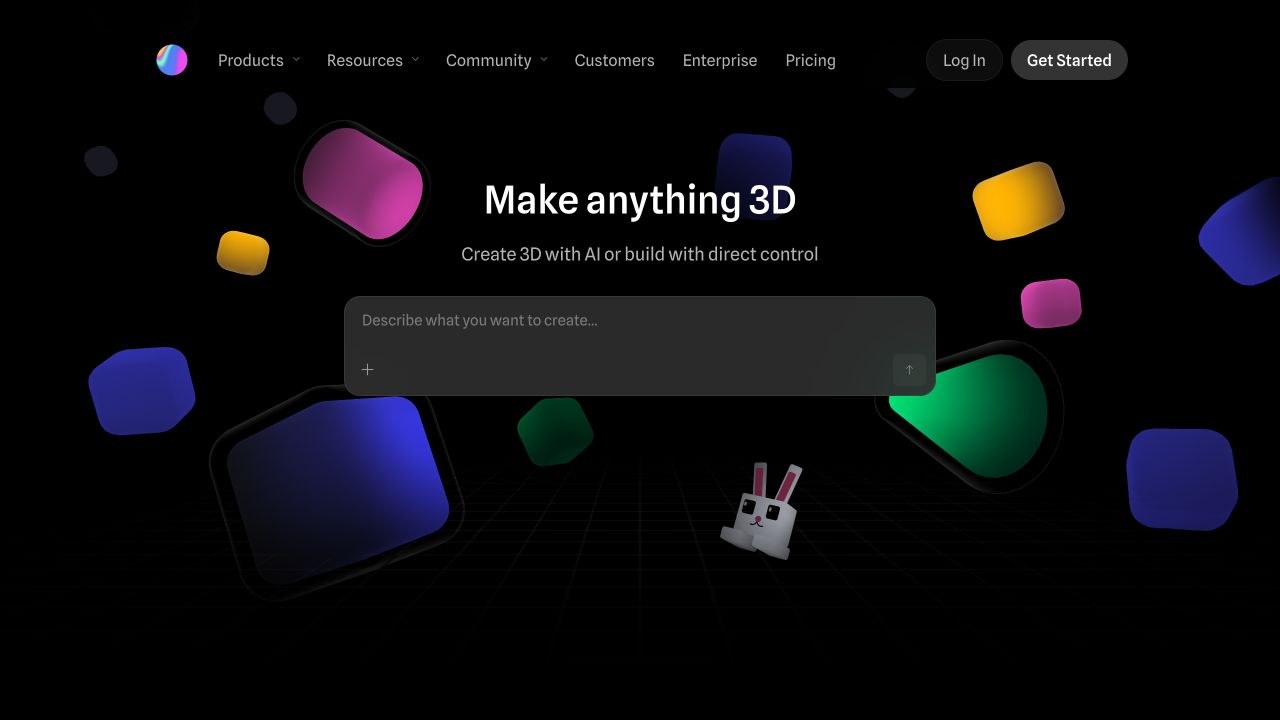
Rive, Jitter, and Spline all let you create motion in the browser, but they are useful for different kinds of work. Rive focuses on graphics that can respond to a user. Jitter is a strong option for animated marketing content. Spline brings 3D objects and scenes into websites and apps.
The most useful starting point is the finished result: an interactive element, a shareable animation, or a 3D experience. Here is how the three tools compare.
Rive: graphics that respond to people
Rive combines a design and animation editor with tools for adding interactive behavior. That makes it relevant to website interfaces, apps, games, and other products where a graphic needs to react as someone uses it.
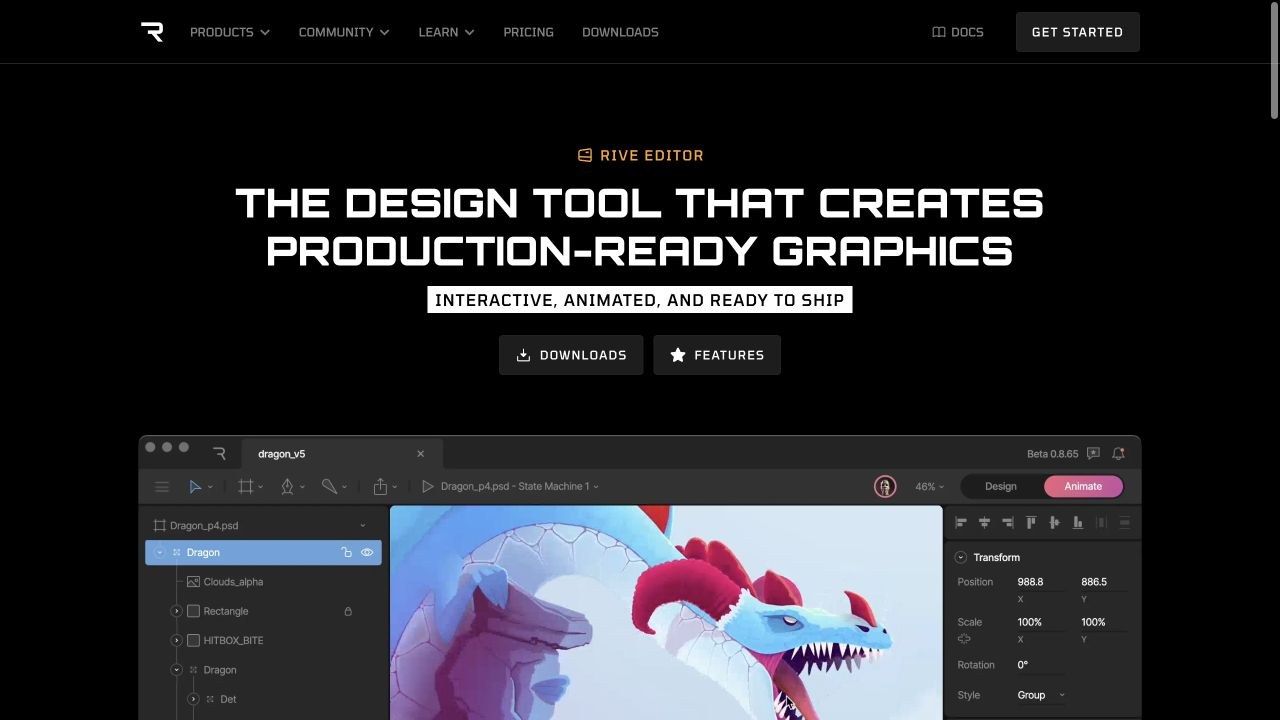
One of its key features is a state machine. In plain English, this is a visual map of the different states an animation can have and the rules for moving between them. A button could look one way at rest and animate differently when someone points to it or clicks it.
Rive’s interactive format plays through a runtime, the software that runs the animation inside the website or app. It also offers traditional video and image exports through its Cloud Renderer. These outputs serve different purposes: an exported video can show an animation, but it does not preserve the user’s ability to control it.
Good fit: interactive illustrations, animated controls, and product interfaces. Plan for the work needed to connect the animation to the finished site or app.
Jitter: animated content for brands and campaigns
Jitter is a browser-based motion design tool for turning text, images, shapes, and other assets into animations. Its templates, effects, and shared workspaces are relevant to teams producing recurring visual content.
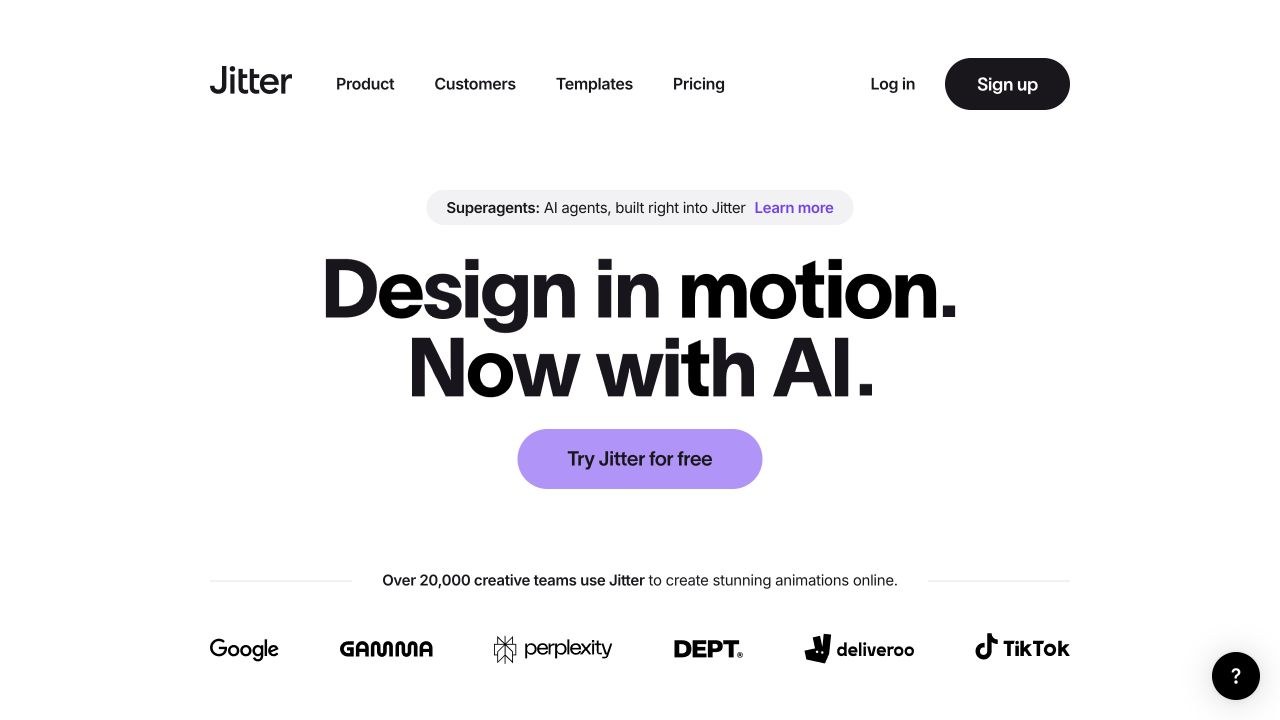
Its export options include video, GIF, and Lottie, an animation format used in websites and apps. It also supports creating and exporting variations, which can help when a campaign needs several versions of the same design.
Good fit: animated social posts, promotional graphics, and short branded sequences. Choose the export format around where the content will appear; a social video and a website animation have different delivery requirements.
Spline: interactive 3D design
Spline is a collaborative 3D design tool. You can build objects, apply materials, add animation, and use events to control how a scene responds. Its platform includes ways to bring those scenes into websites and apps.
That makes Spline relevant when depth and perspective are part of the idea, such as an interactive product presentation or a dimensional brand graphic. It works with a 3D scene instead of treating every element as a flat image.
Good fit: interactive 3D visuals and product experiences. Keep the scene focused on something the visitor needs to see or understand. Added visual detail should earn its place.
Which one should you choose?
- Start with Rive when the graphic needs to respond to actions inside an interface.
- Start with Jitter when the main deliverable is animated content for a campaign or communication.
- Start with Spline when the idea depends on 3D form, depth, or interaction.
There is overlap between the tools, so this is a starting point rather than a ranking. Check the current plan and export requirements before committing to one. My recommendation is to choose around the result you need, then work backward to the tool.
To see how motion can support a real visitor journey, explore our animated website examples.
Interactive Blend’s graphics, motion, and animation services can help connect the creative direction with the website, app, or campaign where the work will appear.
2 Comments