
Ecommerce Migration Checklist: What to Move Beyond Products
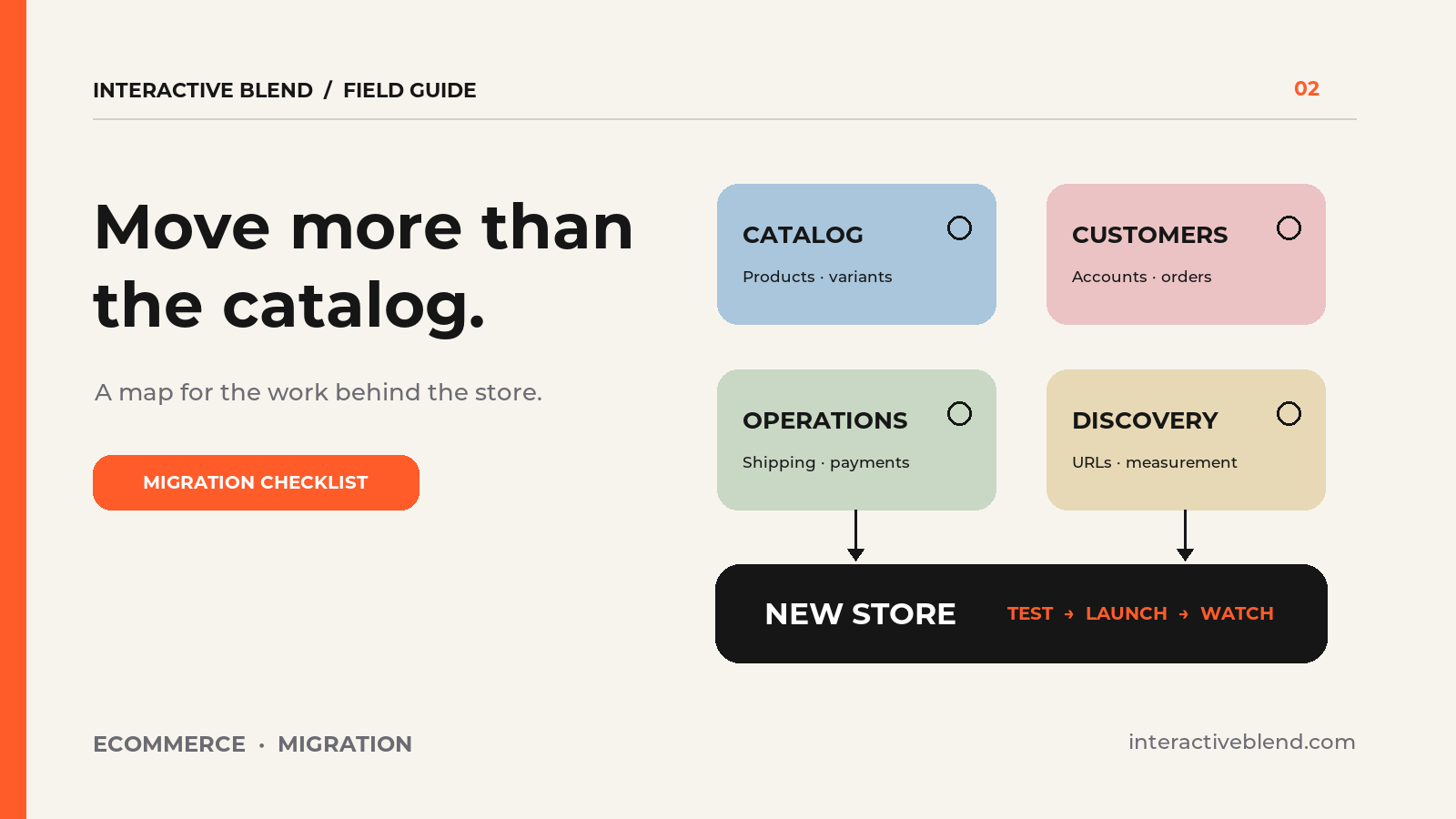
Products are the most visible part of an online store, so they often get the first export. This ecommerce migration checklist covers the less obvious pieces that keep sales, service, and reporting working when a store moves.
Every platform and app combination is different. Treat this as an inventory and test plan, then confirm the transfer method for your source and destination systems before setting a launch date. Shopify’s migration guide and WooCommerce’s migration preparation guide both show why a product CSV is only one part of the job.
Ecommerce migration checklist: map the current store
List the systems that touch an order: storefront, payments, shipping, inventory, email, accounting, customer support, analytics, and any point-of-sale or subscription service. Record who owns each connection and what data it sends. A store can look complete on launch day while orders quietly stop reaching the people who pack them.
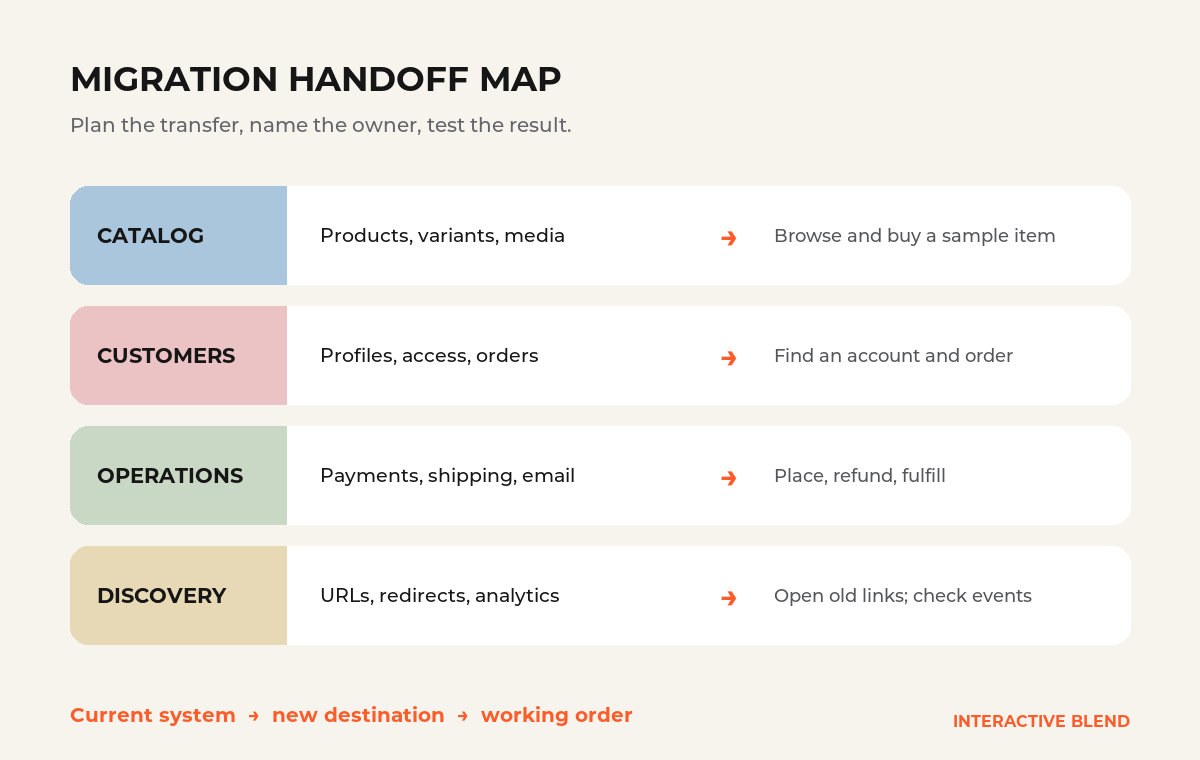
For each item below, write down its current home, its new home, the person responsible, and how you will test it. That small worksheet turns “we’ll migrate everything” into a list the team can check.
Move the records people expect to find
- Catalog: products, variants, images, collections, stock status, and product-specific details.
- Customers: profiles, consent choices, addresses, account access, and support history where available.
- Orders: completed and open orders, fulfillment status, refunds, and the identifiers staff use to answer questions.
- Value owed: gift cards, store credit, discounts, and active subscriptions, each of which may depend on a separate app or process.
- Content: buying guides, reviews, policies, blog posts, and the media they reference.
Do not promise that every field will import in the same form. For example, Shopify’s migration checklist says customer passwords cannot be imported into Shopify, so a move to Shopify needs an account-access plan. Review the destination’s actual capabilities before you tell customers what will happen.
Rebuild the workflows behind the checkout
A successful test order should reach the right inbox or fulfillment system, reserve or reduce inventory as intended, calculate shipping and tax correctly, and send the right customer message. Test a failed payment, a refund, and an order with more than one fulfillment path. Check the work on a phone as well as a desktop screen.
Shopify’s setup checklist includes test transactions, refunds, and fulfillment checks. For a team that ships its own products, our Shopify batch fulfillment explainer shows how packing work in the admin differs from simply changing an order status. Your test plan should reflect the way staff actually fulfill orders, whichever platform you choose.
Give every important URL a destination
Export a list of current product, collection, article, and policy URLs. Match each old URL to the most relevant new page. When a URL changes, set an appropriate permanent redirect and update internal links. Review canonical URLs and submit the new sitemap after launch. Google’s site-move guidance recommends mapping old and new URLs and monitoring the move; a redirect plan helps users and search engines, but it does not guarantee unchanged rankings.
Use a launch sheet the whole team can read
- Open orders: Operations owns the move from the old order admin to the new one. Test by finding and fulfilling a sample order.
- Shipping rules: Operations maps the current shipping app to the new checkout and carrier setup. Test every shipping region you serve.
- Product URLs: The web team maps old storefront URLs to new product pages. Test redirects and internal links.
Add every integration and data type your store uses. Keep the old store and its exports available until the team has checked the new order flow, customer access, redirects, analytics, and support process. Then monitor real orders and errors closely after launch. A migration is complete when the store works for customers and staff, not when the catalog looks right.
If you are planning a move between Shopify, WooCommerce, or another platform, our eCommerce development team can help map the data, integrations, storefront, and launch checks around your actual operations.